

Organizations
Organizations are the top-level entity in Scorecard that enables team collaboration and workspace isolation. All members of an organization can access all projects within that organization. API keys are scoped to a specific organization, not user or project.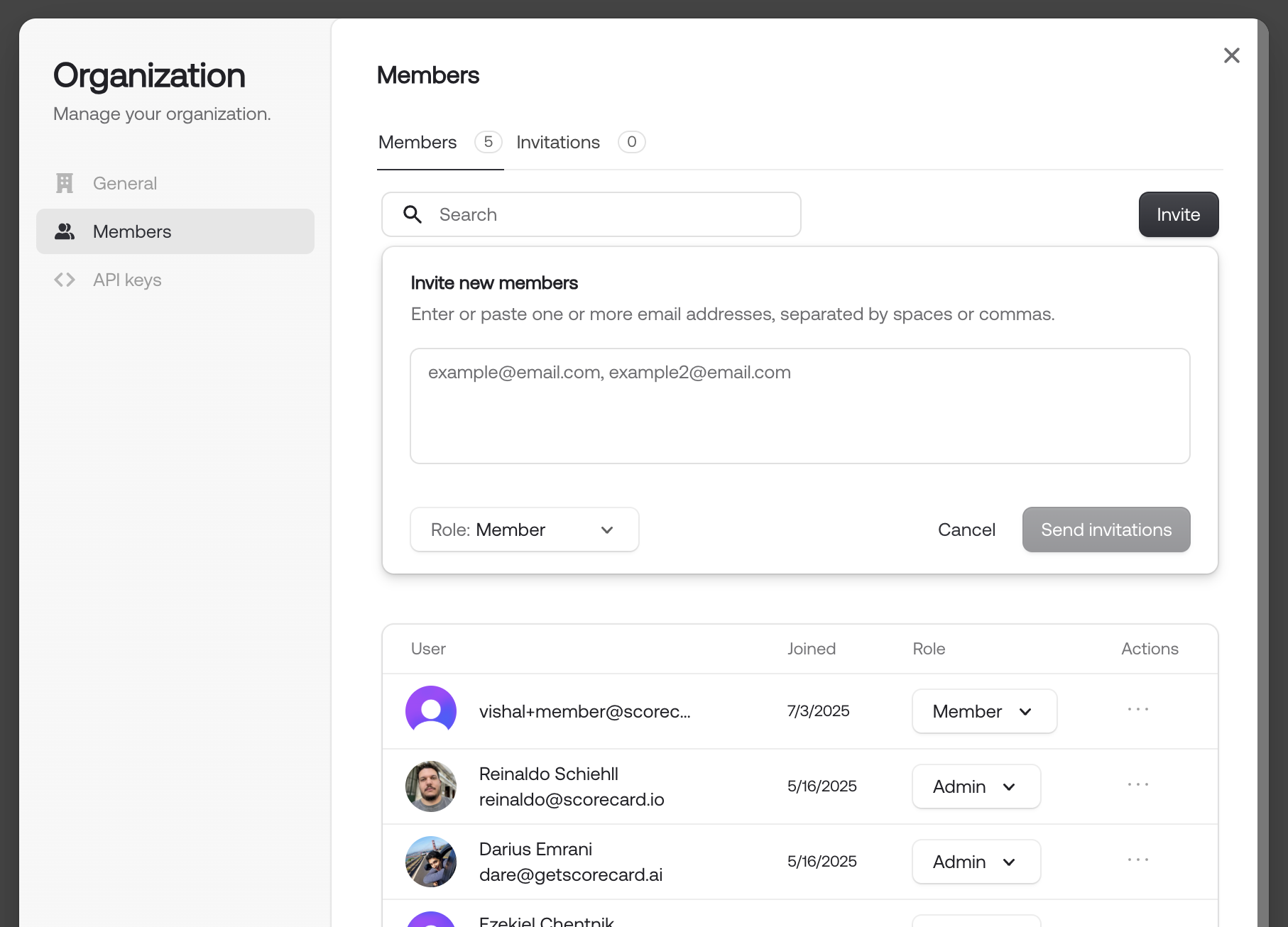
Organization member management dialog with a few users.
Projects
Each project serves as a container for:- Testsets: Collections of Testcases for evaluation
- Metrics: Custom evaluation criteria and scoring methods
- Records: Evaluation executions and their results, traces and logs
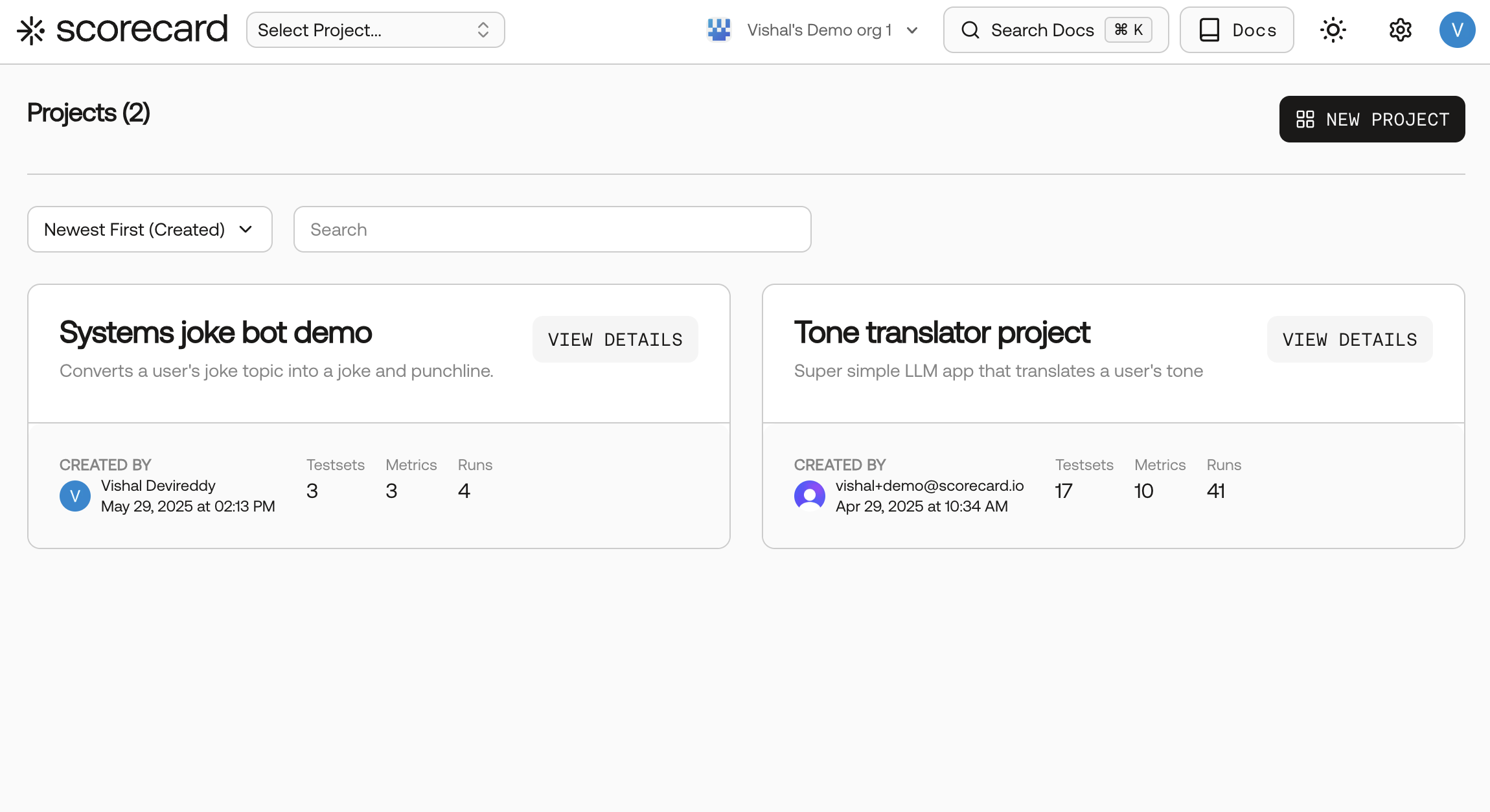
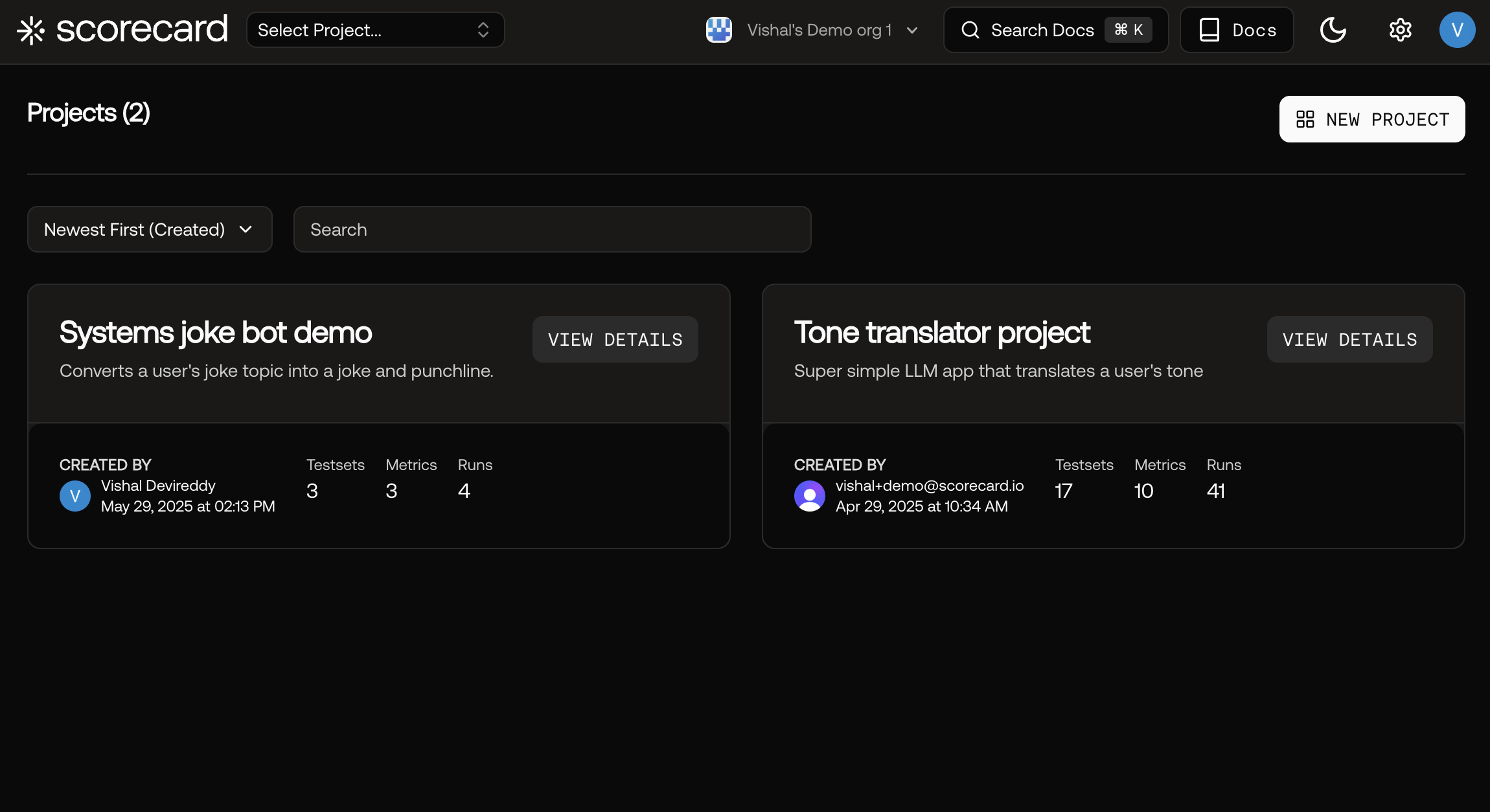
Projects overview page for an organization.
Creating a New Project
To create a project, click “Create Project” in the projects menu and go through the steps.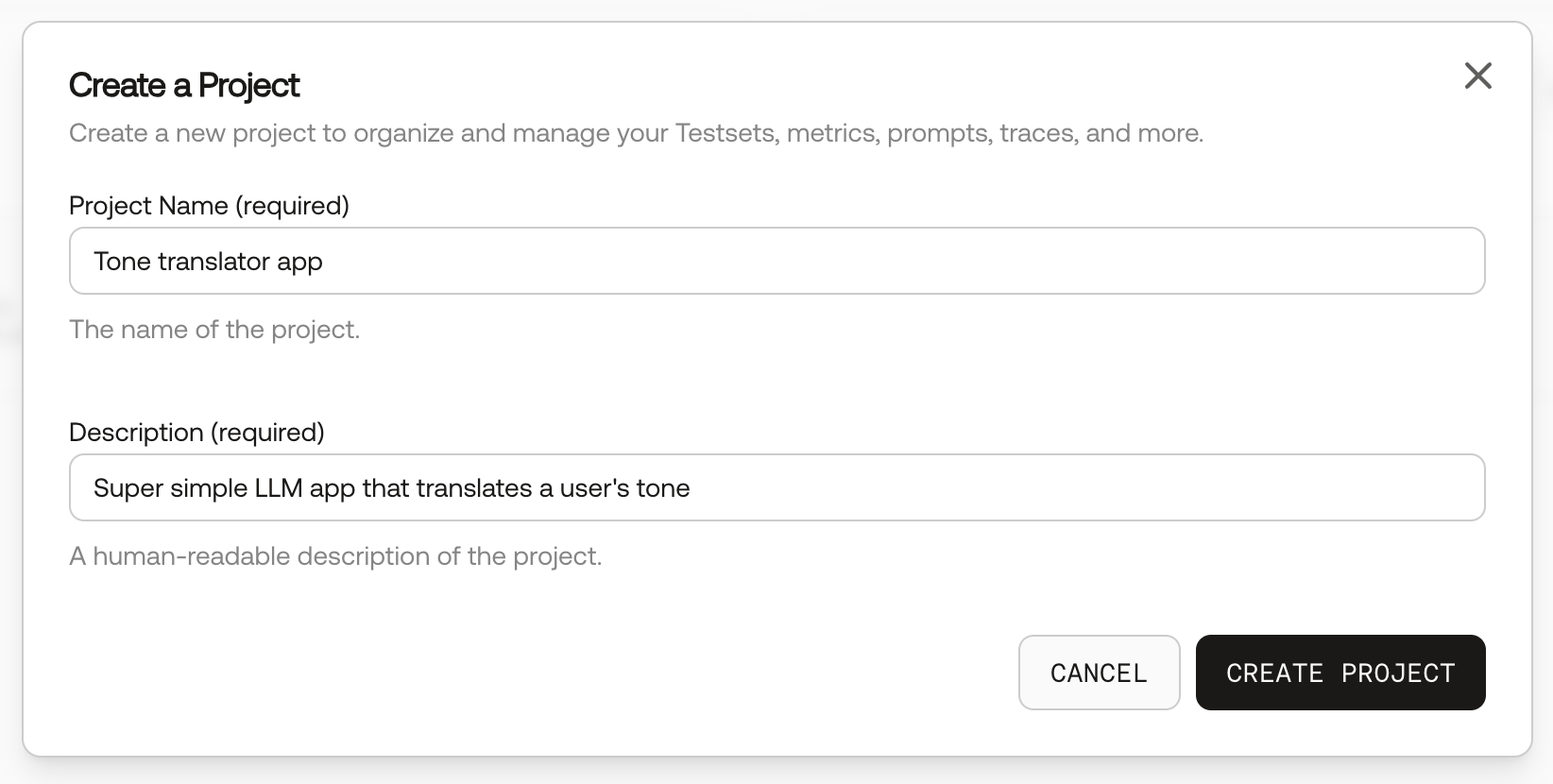
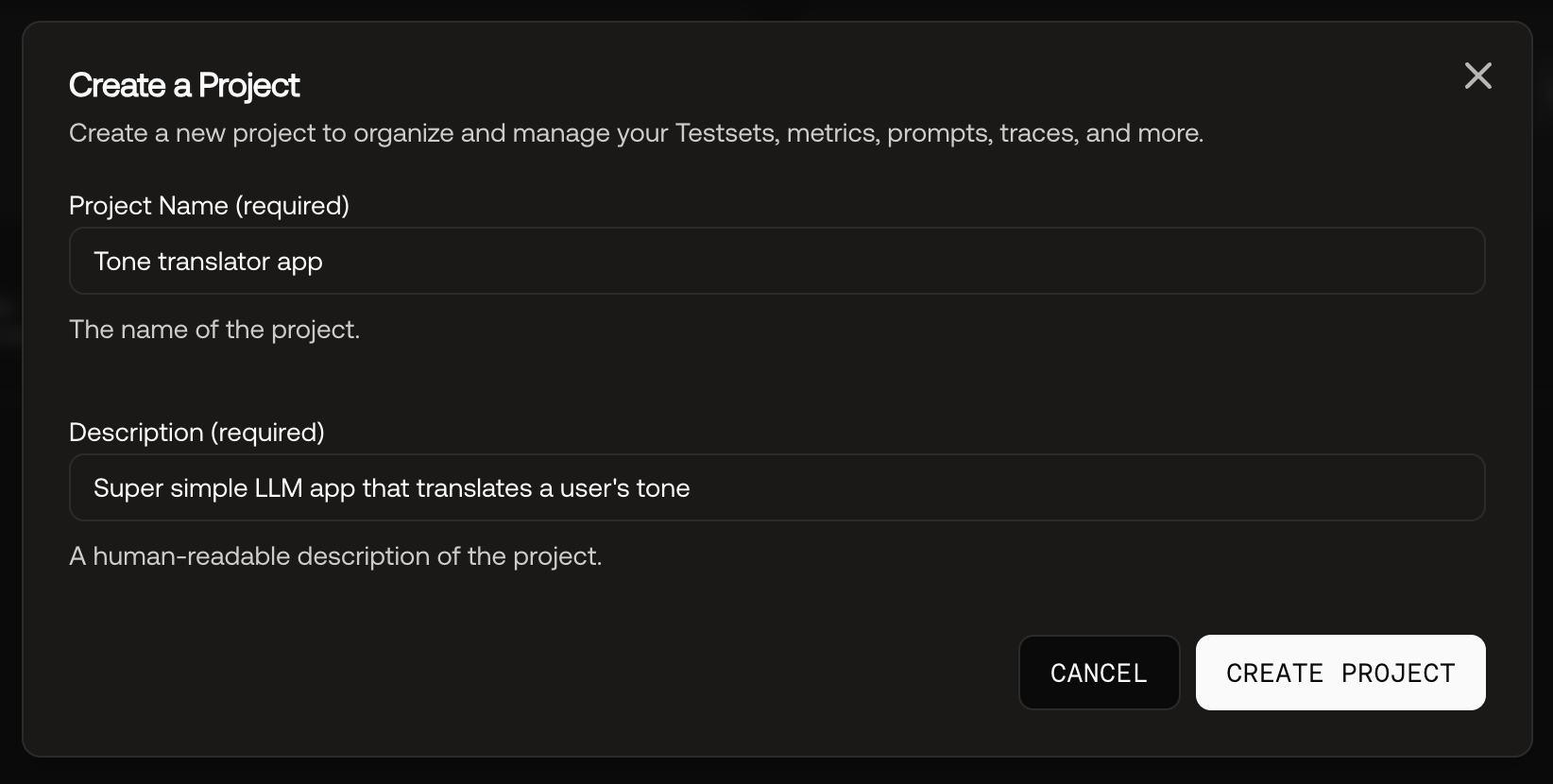
Creating a new project.