Create metrics, group them, run evaluations, and read scores.
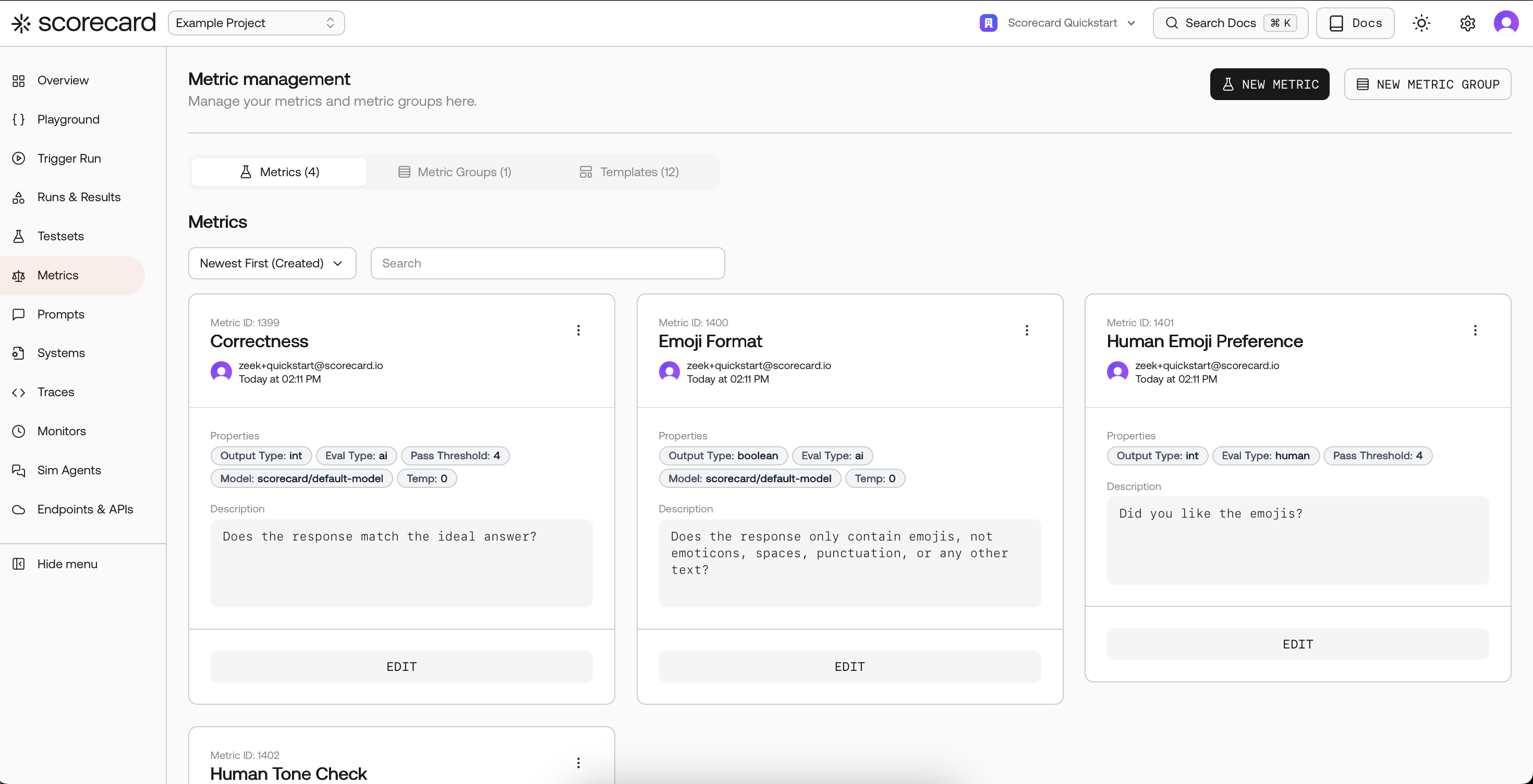
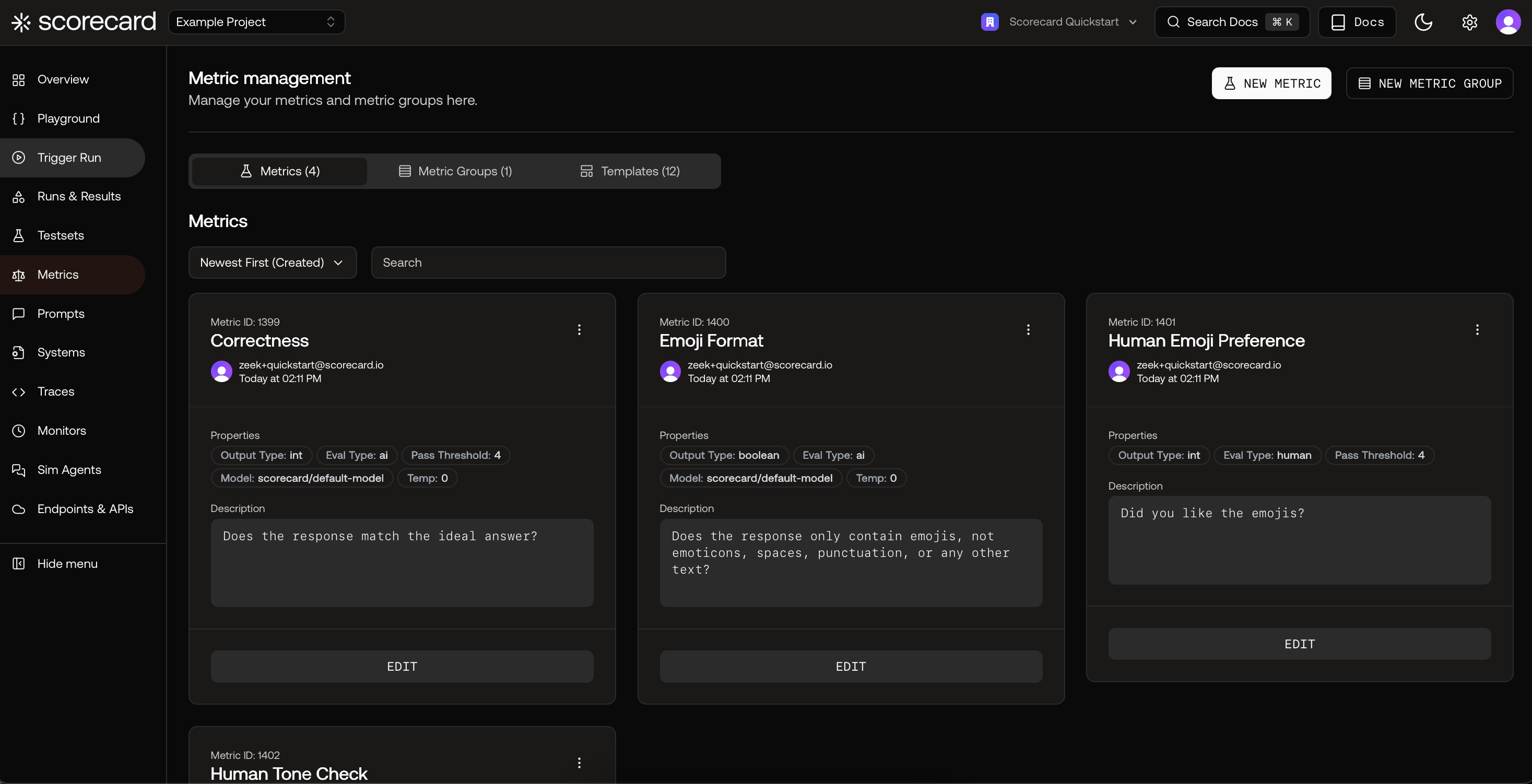
Metrics page with Metrics, Groups, and Templates tabs.
Metrics define what “good” looks like for your LLM. You describe the criteria (e.g., helpfulness, groundedness, safety), and Scorecard turns that into repeatable scores you can track across runs and over time.
1
Open Metrics and explore templates
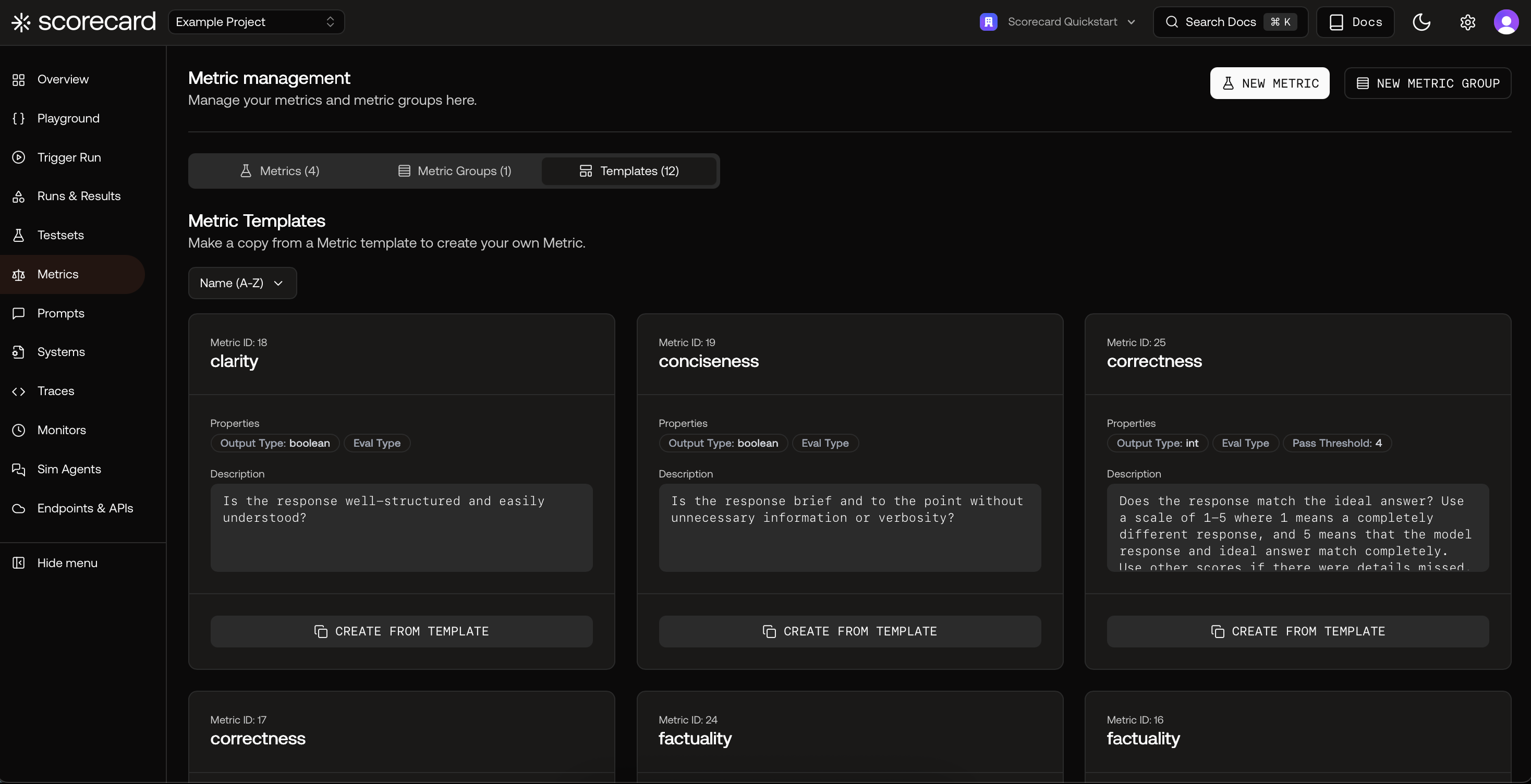
Go to your project’s Metrics page. Start fast by copying a proven template, then tailor the guidelines to your domain.
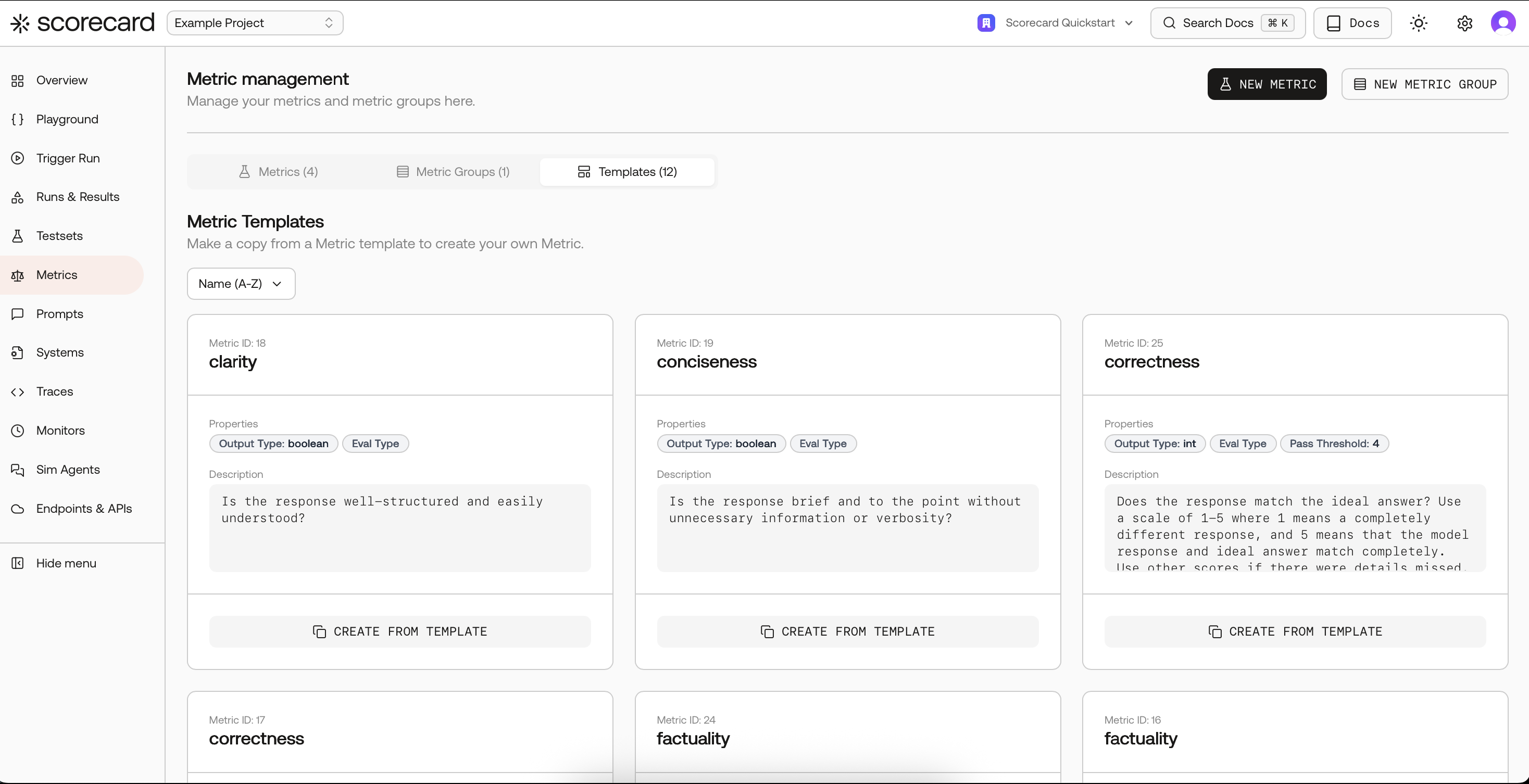
Templates list with Create from Template.
2
Create a metric
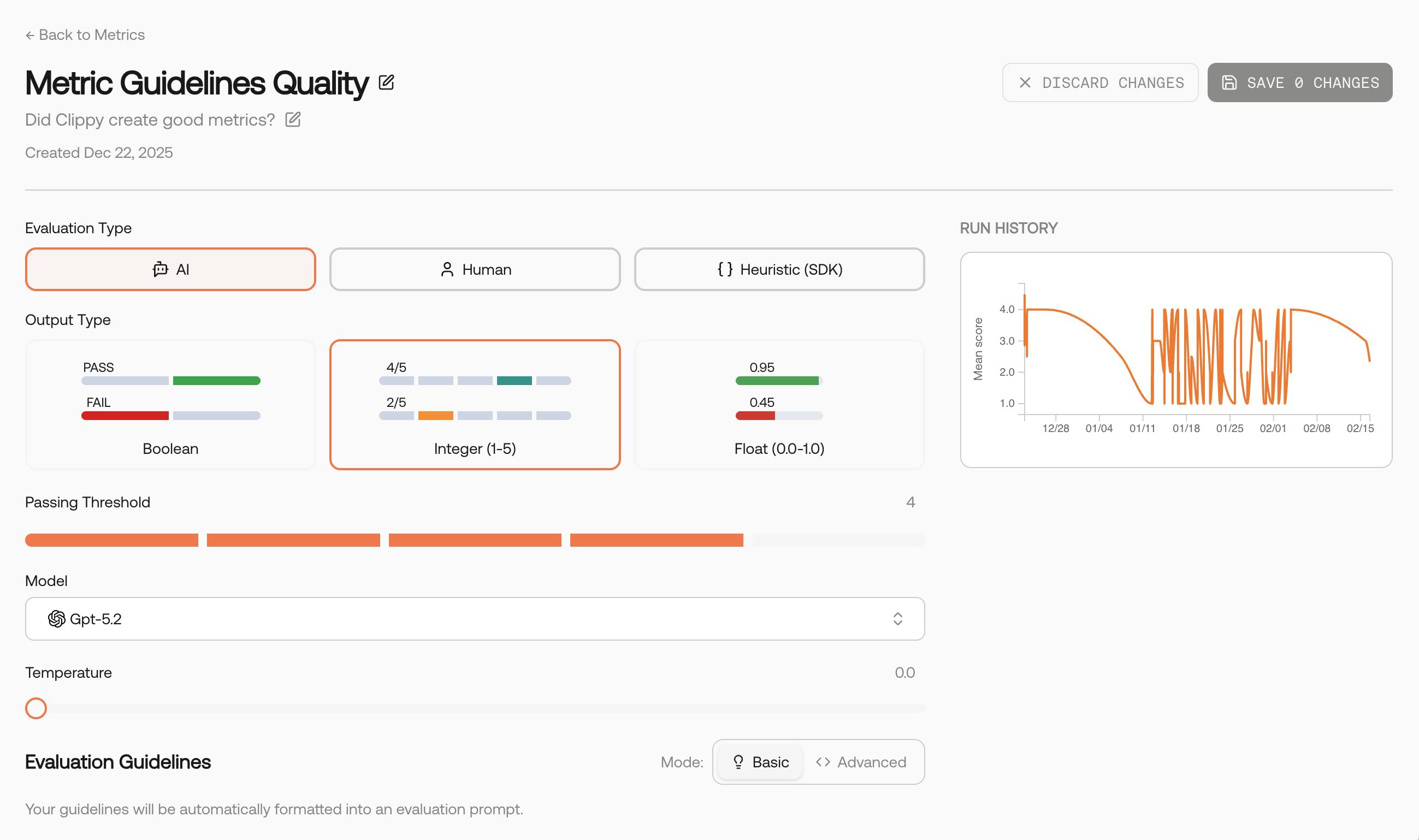
You can also create a metric from scratch. Provide a name, description, clear guidelines, and choose an Evaluation Type and Output Type.
Guidelines matter. Describe what to reward and what to penalize, and include 1–2 concise examples if helpful. These instructions become the core of the evaluator prompt.
AI‑scored
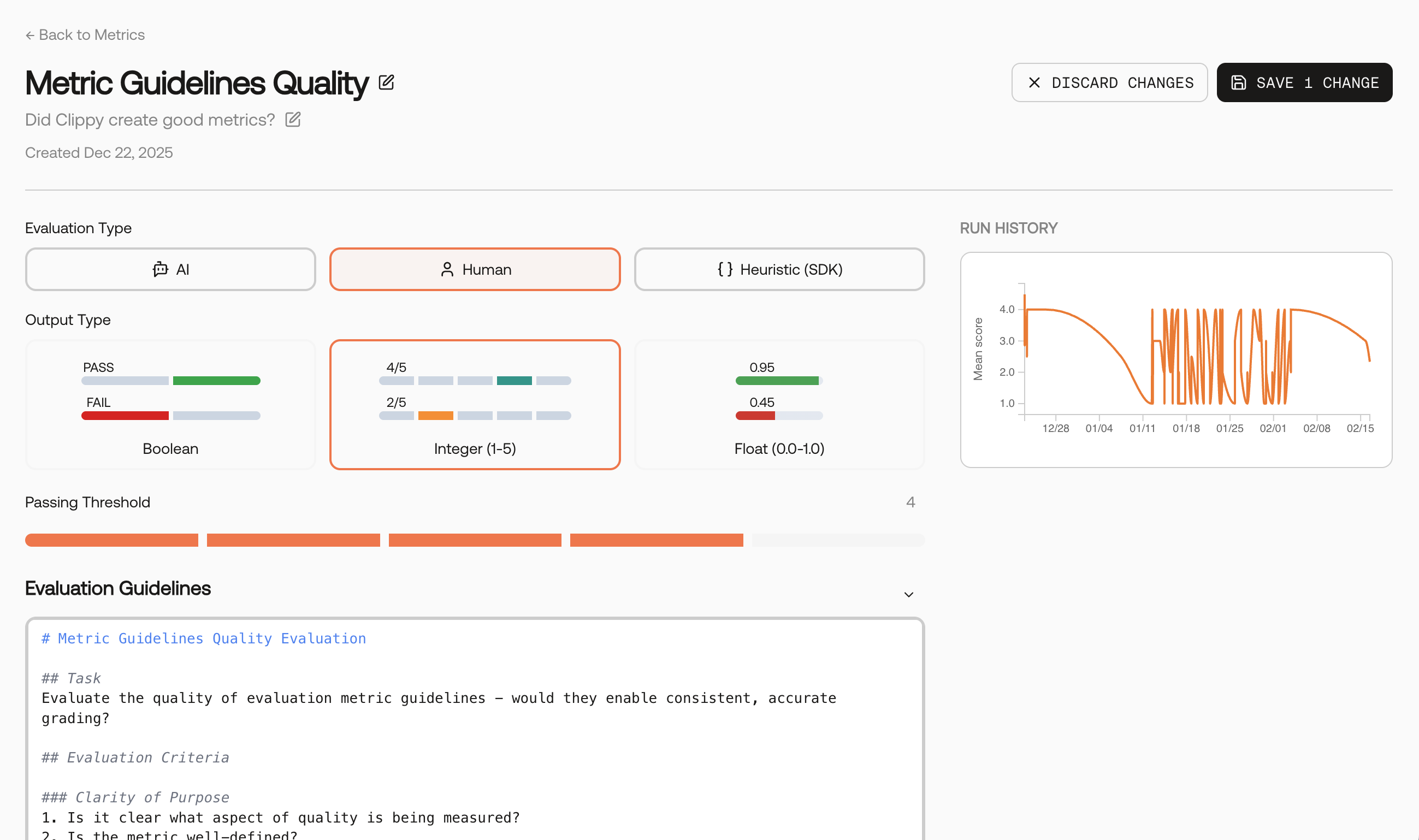
Human‑scored
Heuristic (SDK)
Critic Agent (coming soon)
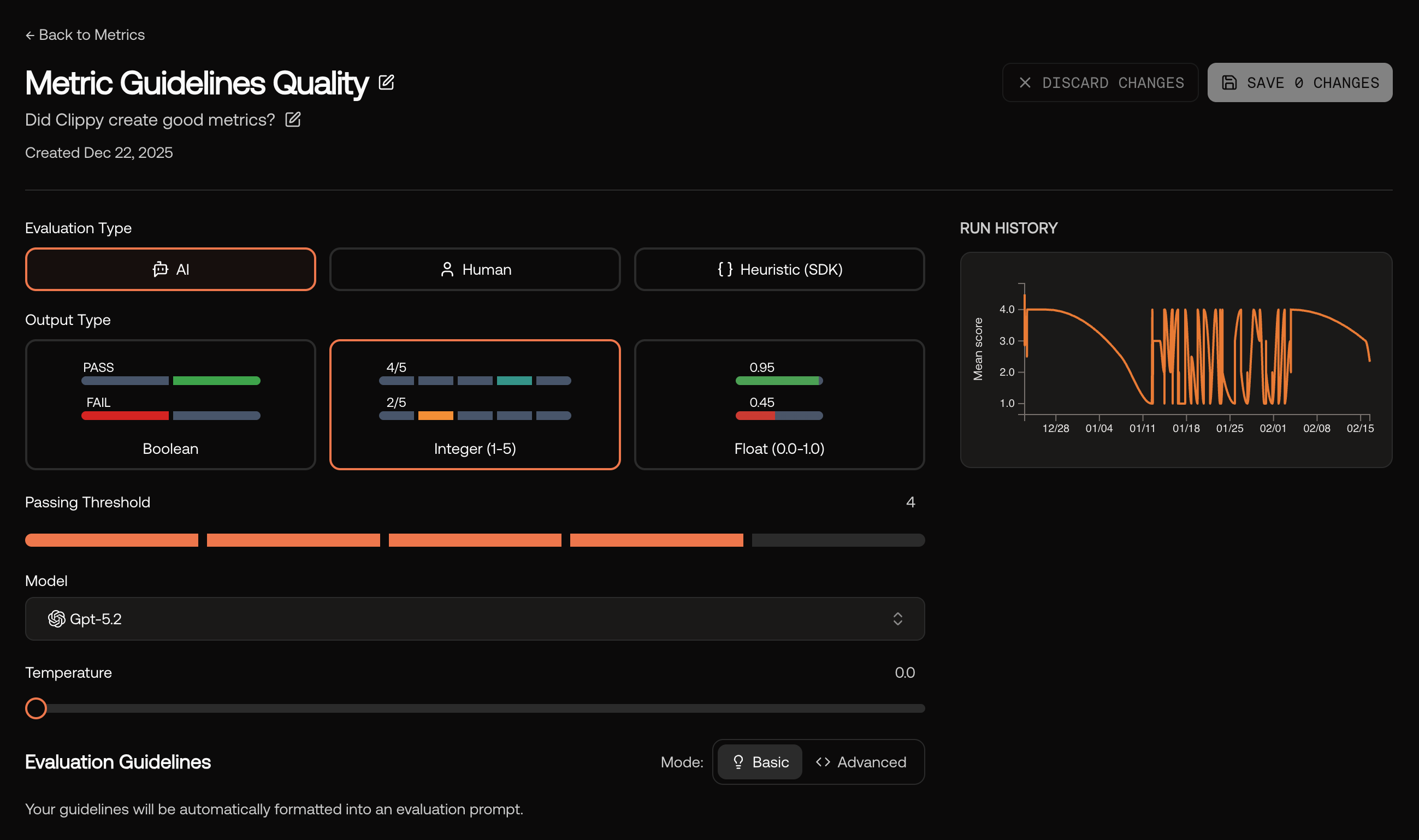
Uses a model to apply your guidelines consistently and at scale. Pick the evaluator model and keep temperature low for repeatability.
AI metric – evaluator model, output type, and evaluation guidelines.
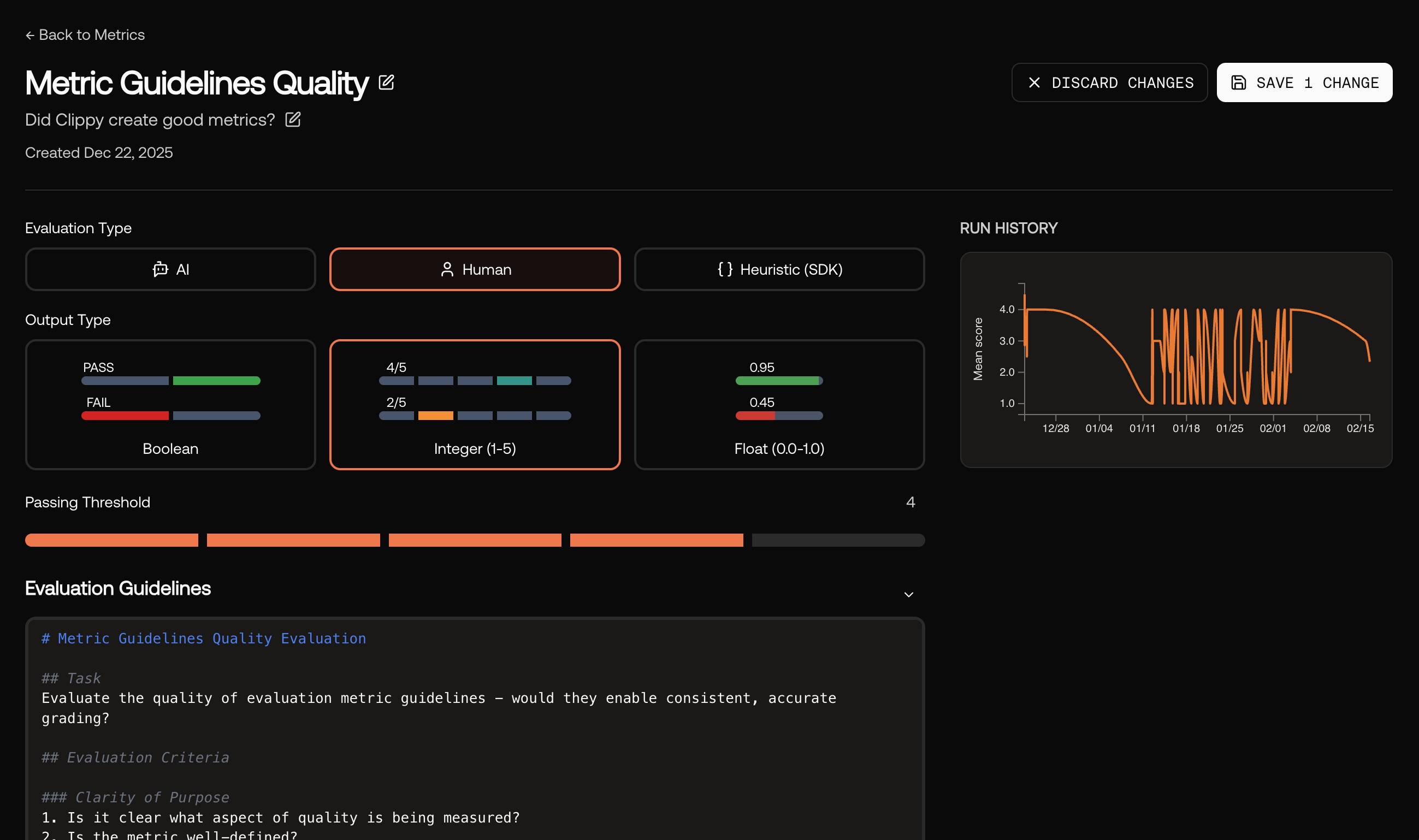
Best for nuanced judgments or gold‑standard baselines. Select Human as the evaluation type and write clear instructions for reviewers.
Human evaluation – provide guidelines for reviewers.
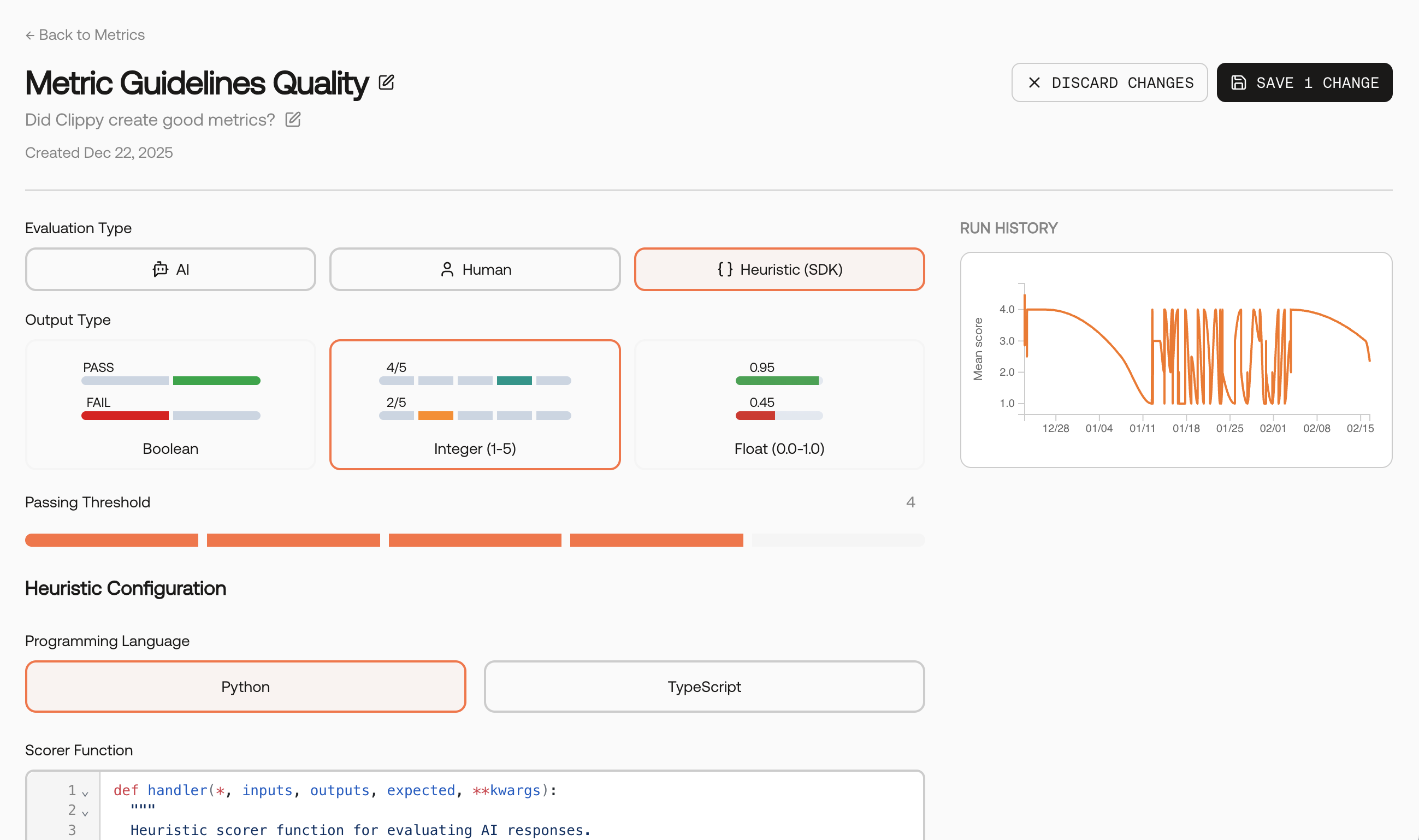
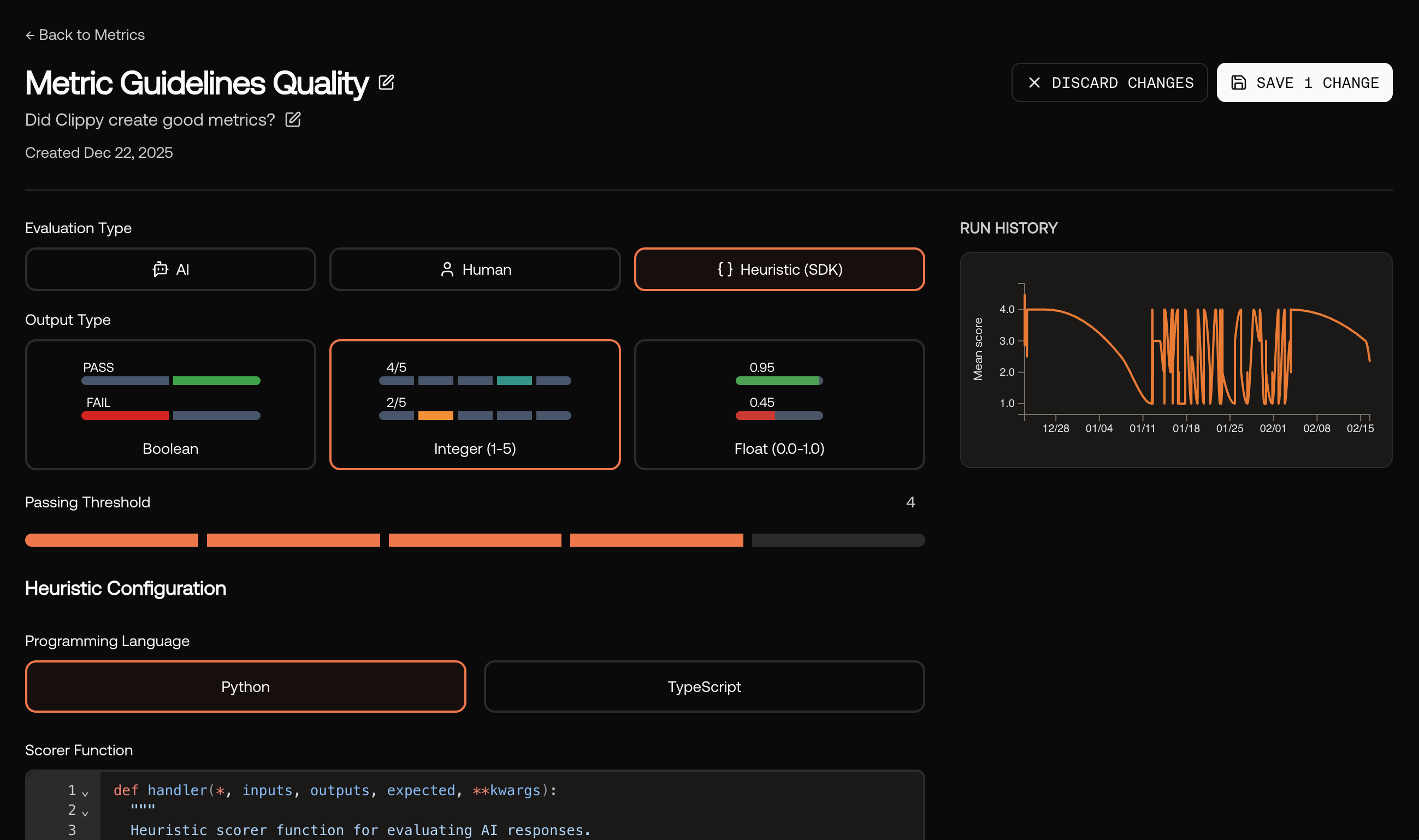
Deterministic, code‑based checks (e.g., latency, regex, policy flags). Select Heuristic (SDK) as the evaluation type and provide a scorer function in Python or TypeScript.
Heuristic metric – Python or TypeScript scorer function.
An agentic evaluator that can use tools, browse context, and reason over multiple steps before producing a score. Stay tuned for updates.
3
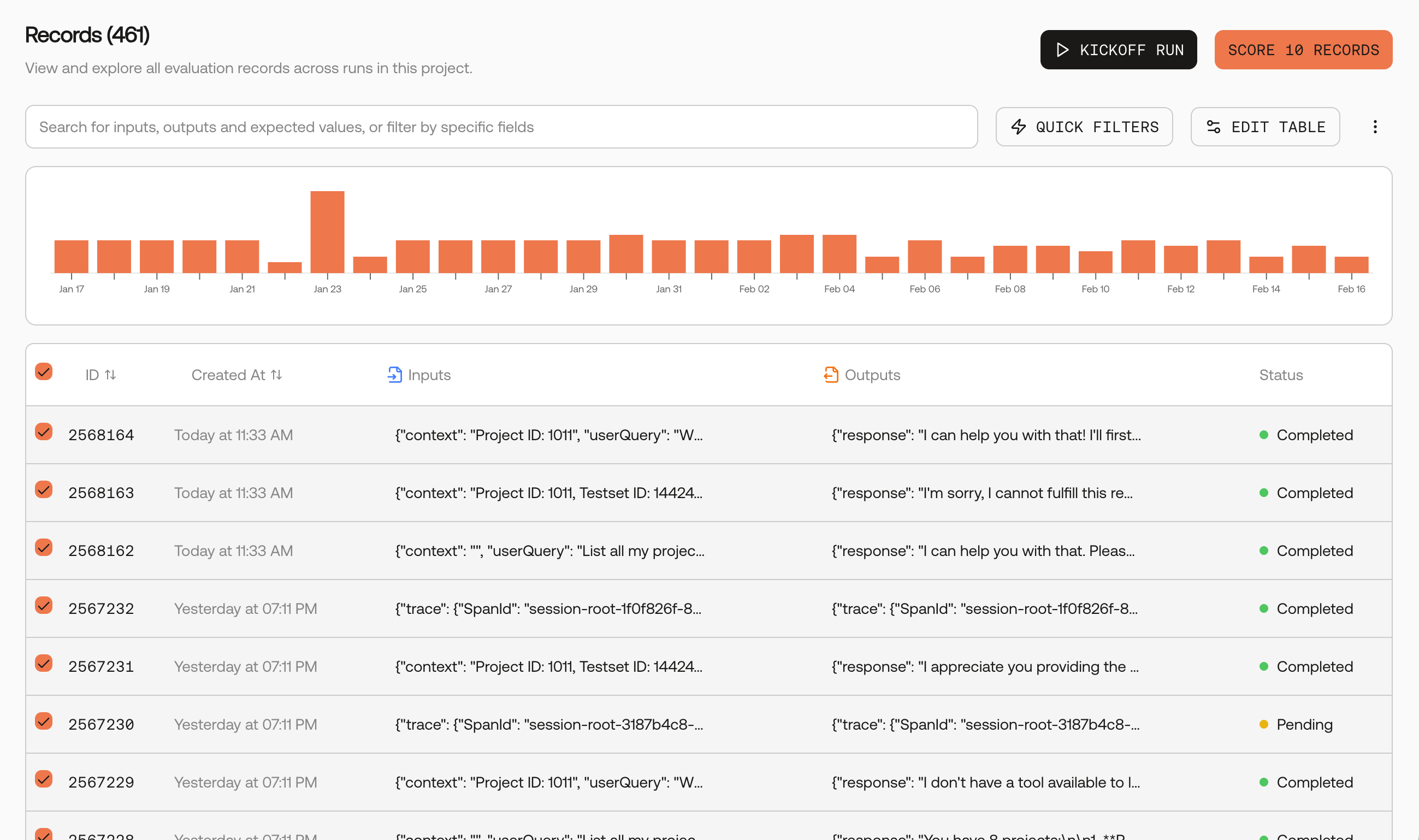
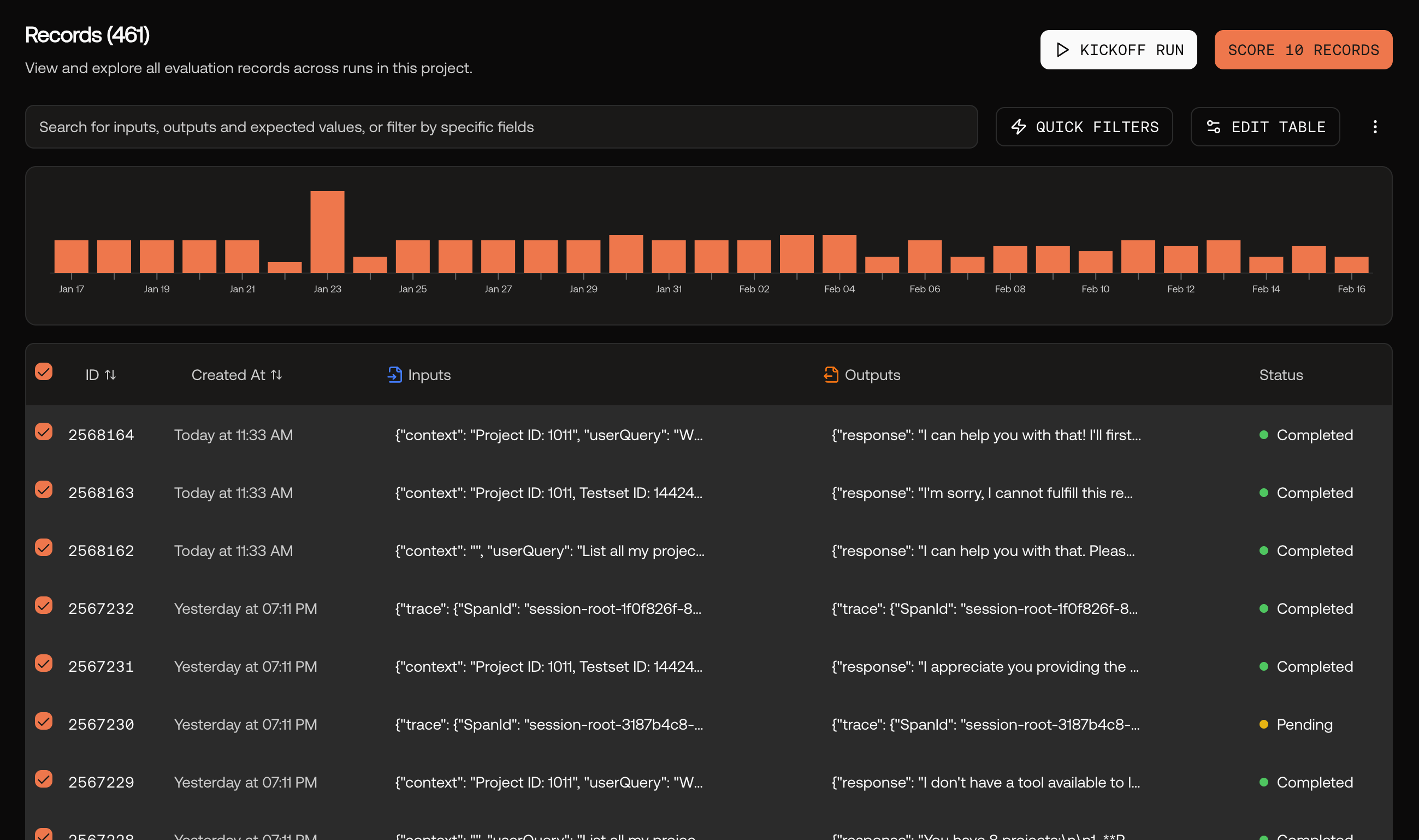
Go to the Records page and select records
Navigate to your project’s Records page. Select the records you want to score, then click the Score Records button.
Records page with selected records and Score Records button.
4
Choose metrics and score
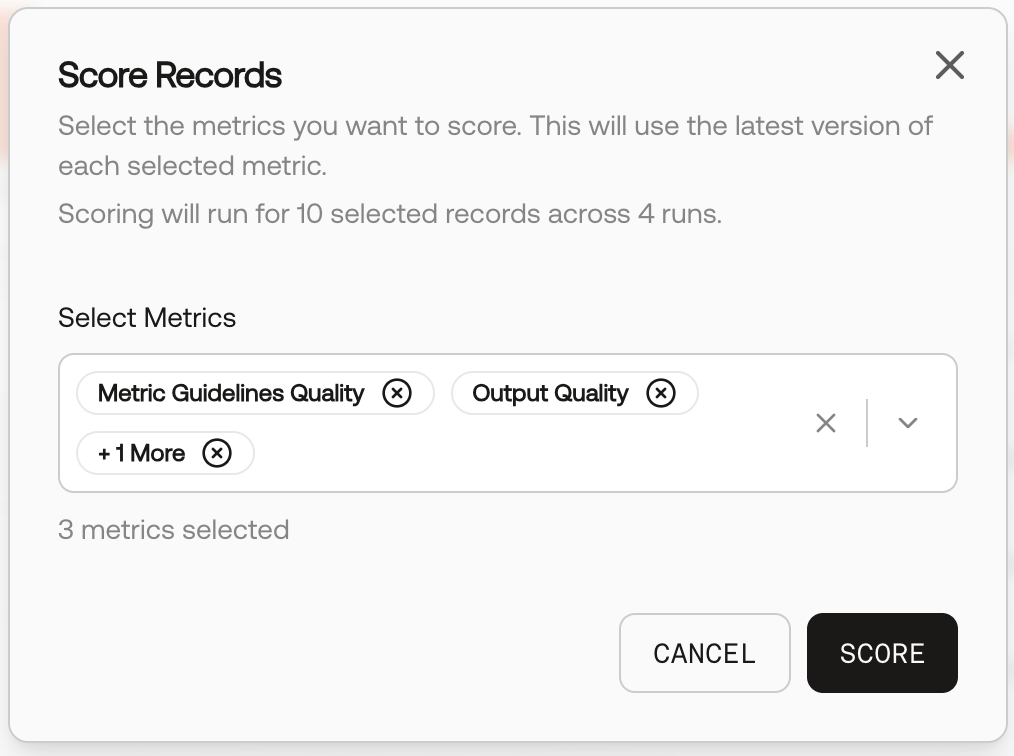
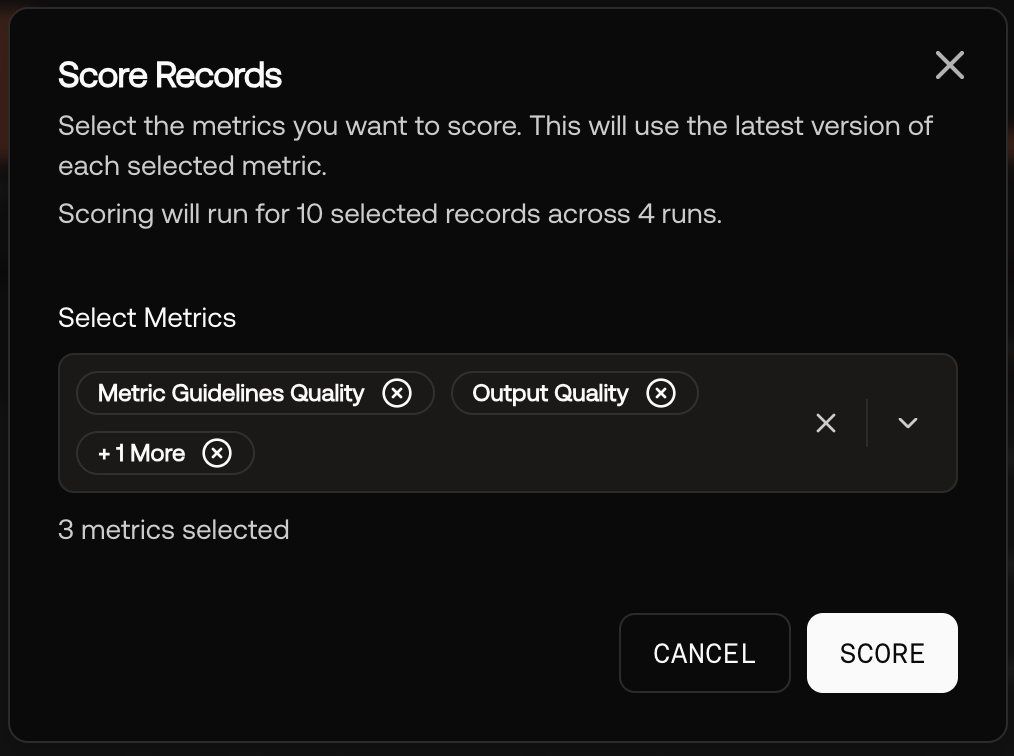
In the Score Records modal, select one or more metrics to evaluate against, then click Score.
Score Records modal – select metrics to evaluate.
5
View scores in the record panel
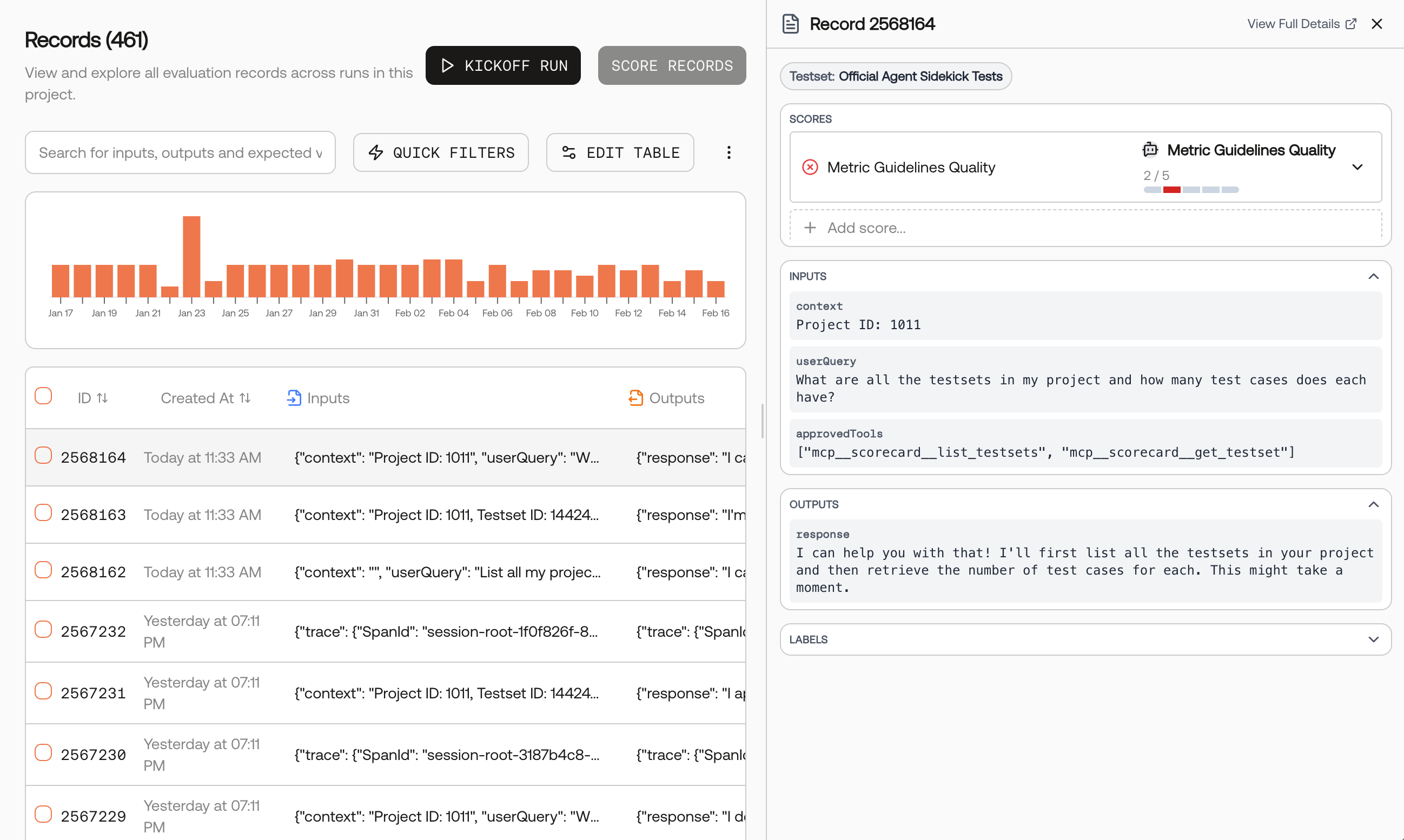
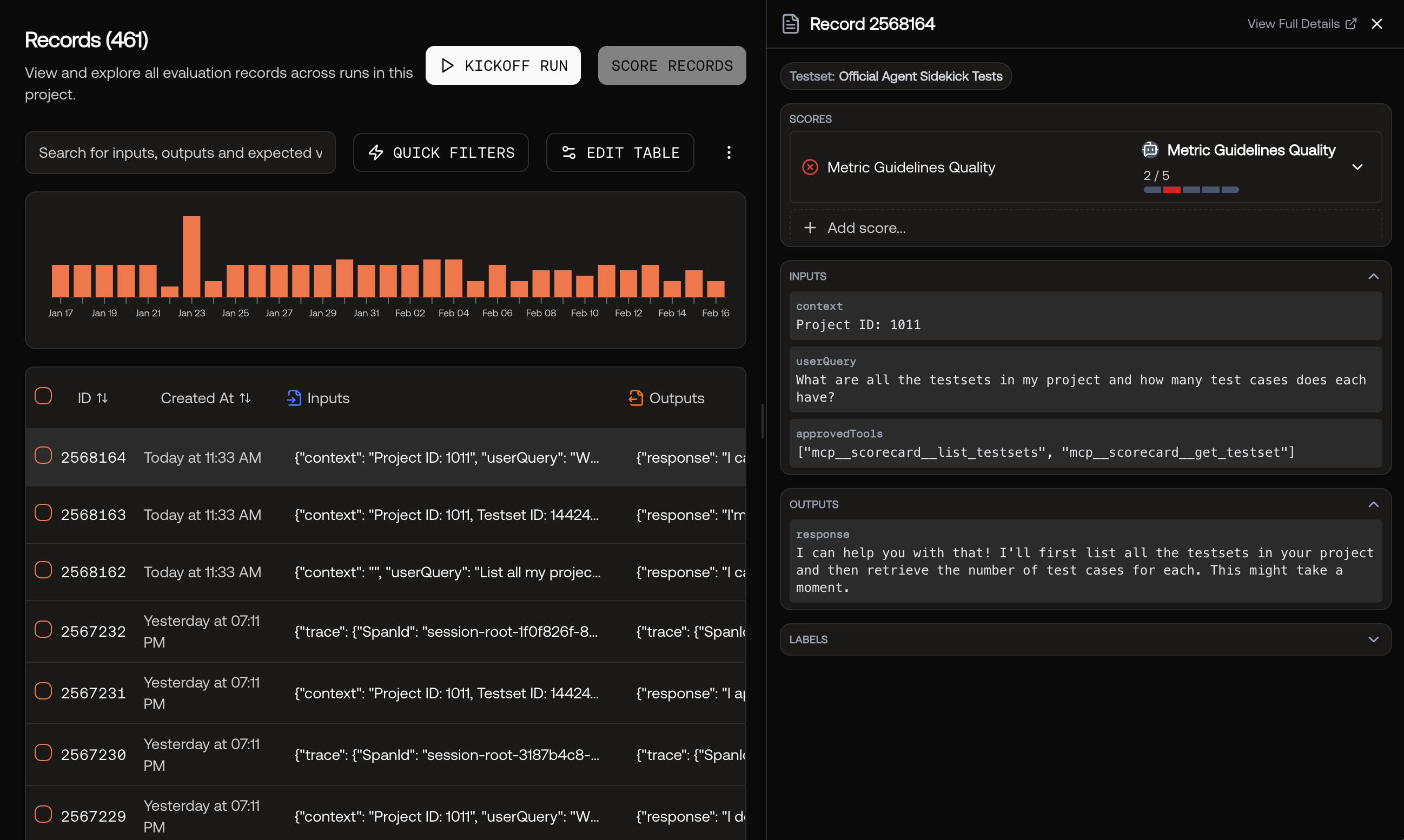
Once scoring completes, click any record to open the side panel. View scores, inputs, outputs, and evaluation details.
Be specific. Minimize ambiguity in guidelines; include “what not to do.”
Pick the right output type. Use Boolean for hard requirements; 1–5 for nuance.
Keep temperature low. Use ≈0 for repeatable AI scoring.
Pilot and tighten. Run on 10–20 cases, then refine wording to reduce false positives.
Bundle into groups. Combine complementary checks (e.g., Relevance + Faithfulness + Safety) to keep evaluations consistent.
Looking for vetted, ready‑to‑use metrics? Explore Best‑in‑Class Metrics and copy templates (including MLflow and RAGAS). You can also create deterministic checks via the SDK using Heuristic metrics.